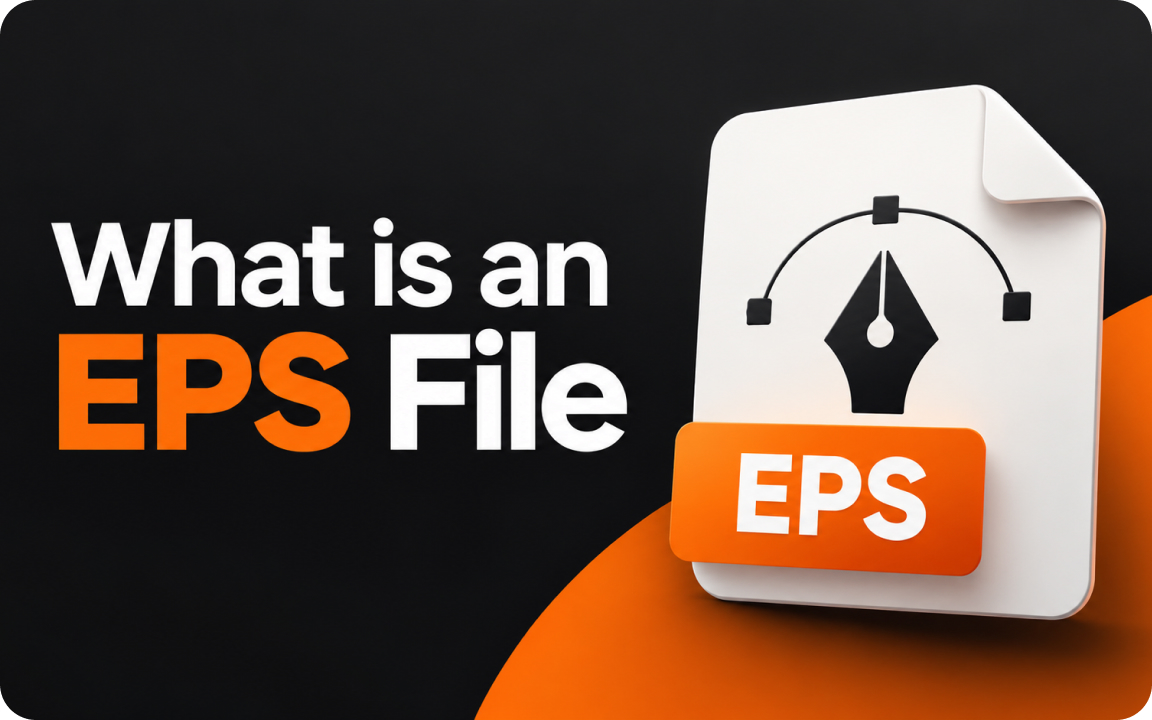
An EPS (Encapsulated PostScript) file is a graphics format based on Adobe’s PostScript language. It usually holds vector artwork, like a logo, that scales without losing quality, and it is still widely used for printing. Open it in Adobe Illustrator, Affinity Designer, CorelDRAW or the free Inkscape.
If a designer sent you a logo package, there is probably an EPS file in it. If you double-click it, it may not open at all. Here is what an EPS file is, how to open it and when you actually need one.
What does EPS stand for?
EPS stands for Encapsulated PostScript. It is a file format built on PostScript, the page description language Adobe created for printers. An EPS file describes a single graphic, such as a logo or illustration, so it can be placed inside other documents and printed at any size.
Most EPS files contain vector artwork: shapes defined by math that stay sharp at any size. An EPS can also contain raster images, so the extension alone does not guarantee a vector. Our guide to raster vs vector explains the difference.
How to open an EPS file
| Software | Cost | Notes |
|---|---|---|
| Adobe Illustrator | Paid | Opens and edits EPS vectors fully |
| Affinity Designer | One-time purchase | Opens and edits EPS files |
| CorelDRAW | Paid | Common in print and sign shops |
| Inkscape | Free | Imports EPS through Ghostscript; good for simple edits |
| Adobe Photoshop | Paid | Opens EPS but converts it to pixels (rasterizes) |
| Online converters | Free | Convert EPS to PDF, SVG or PNG if you only need to view or share it |
If you only need to see the logo, ask your designer for a PDF or PNG version. PDF opens on every computer and can keep the vector artwork.
EPS vs AI vs SVG vs PDF
| Format | Best for | Watch out for |
|---|---|---|
| EPS | Printers, sign makers, older software | No live transparency; effects are flattened on export |
| AI | Editing in Illustrator (master file) | Needs Illustrator or compatible software |
| SVG | Websites and apps | Not every print shop accepts it |
| Printing and sharing with anyone | Make sure it is exported from vector, not a pasted image |
Is EPS still used?
Yes, mostly in print. Many printers, embroidery shops and sign makers still list EPS as an accepted format because nearly every professional design program can read it. For new work, many print shops now prefer a vector PDF, and websites use SVG. A complete logo package includes all of them, which we cover in logo file types and formats.
A common surprise: an EPS that only contains a low-resolution JPG. It looks like a vector file but prints blurry. Open it and zoom to 800%: if you see pixels, it is not a real vector.
How to convert an EPS file
- EPS to PDF: open in Illustrator and save as PDF, or use an online converter.
- EPS to SVG: open in Illustrator or Inkscape and export as SVG.
- EPS to PNG: export at the pixel size you need, with a transparent background.
Related guides
We redraw logos as clean vectors and deliver AI, EPS, SVG, PDF and PNG files.
FAQ
What is an EPS file used for?
Mostly for logos and illustrations that go to print, signage and merchandise, because it holds scalable vector artwork most design programs can read.
How do I open an EPS file for free?
Use Inkscape, or convert it to PDF or PNG with an online converter if you only need to view it.
Is EPS a vector file?
Usually, but not always. An EPS can also contain a raster image, so zoom in to check that edges stay sharp.
Is EPS better than SVG?
EPS is better supported in print workflows, SVG on websites. A complete logo package should include both.

Founder of SkyDesigner. Fiverr Pro Vetted designer, selling on Fiverr since 2014 with 24,500+ reviews.