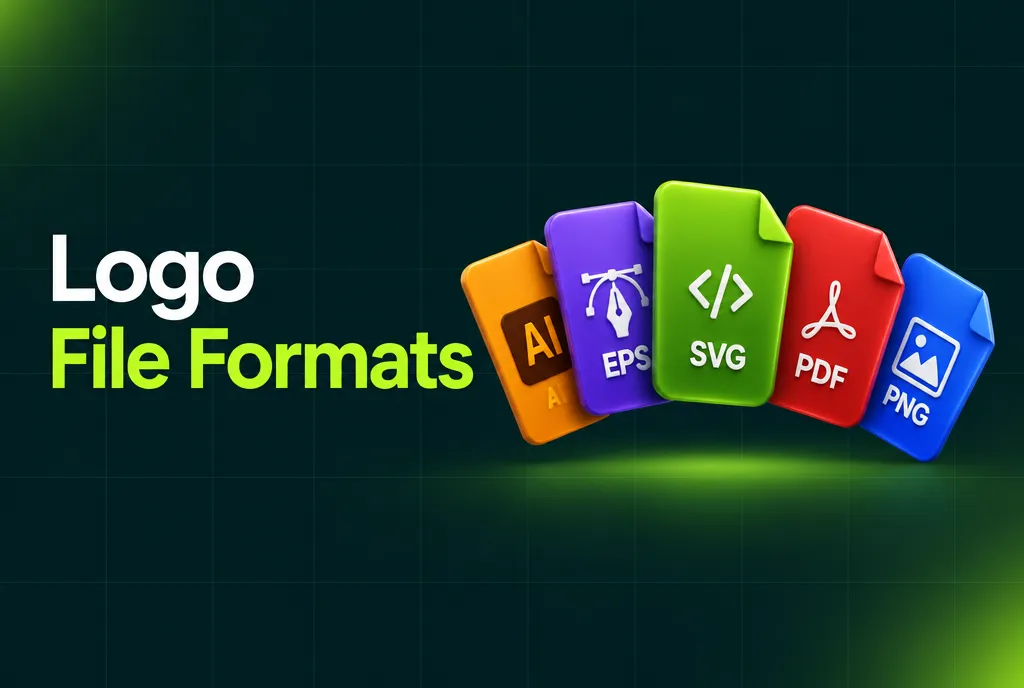
A complete logo package includes vector files (AI, EPS, SVG and PDF) for print, signs and websites, plus raster files (PNG with a transparent background and JPG) for everyday use. Use SVG or PNG on websites, PDF or EPS for print, and keep the AI file as your editable master.
A finished logo is not one file. It is a set of logo file types: vector formats like AI, EPS, SVG and PDF, and raster formats like PNG and JPG, each in several color versions and made for a different job. This guide explains what each format is for, so you know what to ask for and which file to send when a printer, developer or social media manager asks for "the logo".
Logo file types at a glance
| Format | Type | Transparent background | Use it for |
|---|---|---|---|
| AI | Vector | Yes | The editable master file in Adobe Illustrator. Keep it safe. |
| EPS | Vector | Yes | Printers, sign makers and older design software. |
| SVG | Vector | Yes | Websites and apps. Sharp on every screen and very small in file size. |
| Vector (when exported from vector) | Yes | Printing, and sending a logo to anyone without design software. | |
| PNG | Raster | Yes | Websites, presentations, documents and social media. |
| JPG | Raster | No | Places where a white or colored background is fine, like email. |
Vector files: AI, EPS, SVG and PDF
Vector files store your logo as shapes, so they scale to any size without losing quality. If you only keep one file, keep a vector one. The difference between raster and vector is the most important thing to understand about logo files.
- AI is the native Adobe Illustrator file. Designers use it to make changes later.
- EPS is an older universal vector format that almost every printer accepts.
- SVG is the vector format for the web. Developers prefer it for websites because it stays sharp on high-resolution screens.
- PDF opens on any computer, which makes it the easiest way to send a vector logo to a print shop.
Raster files: PNG and JPG
Raster files are made of pixels, so they have a fixed size. Export them large enough for where they will be used, for example 2x or 4x the display size for websites.
- PNG supports a transparent background, so the logo sits cleanly on any color. This is the file most people use day to day.
- JPG has no transparency and always shows a background. Use it only where that is fine.
Which file to use where
| Where | File to use |
|---|---|
| Website header | SVG, or PNG at 2x size |
| Favicon | PNG or SVG made from the logo icon, at small sizes like 32 x 32 px |
| Social media profile | PNG, usually the icon or a square version |
| Business cards and print | PDF or EPS, in CMYK |
| Signs and large banners | EPS, AI or PDF |
| Embroidery and merch | AI or EPS, often in one color |
| Word, Google Docs and slides | PNG with transparent background |
| Email signature | PNG or JPG at small size |
Color versions
Besides formats, a complete logo package includes color versions, because the full-color logo does not work on every background:
- Full color for most uses on light backgrounds.
- One color (black) for single-color printing, stamps and engraving.
- Reverse (white) for dark backgrounds and photos.
Color modes matter too. RGB is for screens, CMYK for normal printing and Pantone for exact brand colors in professional print. A good designer gives you the right files for each.
What a complete logo package includes
When you order a logo, check before you pay that the package includes:
- AI, EPS, SVG and PDF vector files
- PNG files with a transparent background, in several sizes
- JPG files
- Full-color, one-color and reverse versions
- Color codes in HEX, RGB and CMYK
- Commercial use rights
From the studio: every logo we deliver comes with AI, EPS, SVG, PDF, PNG and JPG files in full-color and one-color versions. If a designer only offers a PNG or JPG, ask for the vector source before you order, because recreating it later costs extra.
Related guides
Our logos come with AI, EPS, SVG, PDF, PNG and JPG files in full-color and one-color versions, from $120.
FAQ
What is the best file format for a logo?
Keep a vector master (AI or EPS) for editing and print, use SVG or PNG on websites, and PNG with a transparent background for documents and social media.
What logo file should I send to a printer?
Send a vector PDF or EPS file in CMYK. Ask the printer if they need Pantone colors or a specific format.
Why does my logo look blurry when I make it bigger?
You are using a raster file, such as PNG or JPG, that is smaller than the size you need. Use a vector file or export a larger PNG from it.
Which logo files should a designer give me?
AI, EPS, SVG, PDF, PNG and JPG files, in full-color, one-color and reverse versions, plus the color codes and commercial use rights.

Founder of SkyDesigner. Fiverr Pro Vetted designer, selling on Fiverr since 2014 with 24,500+ reviews.