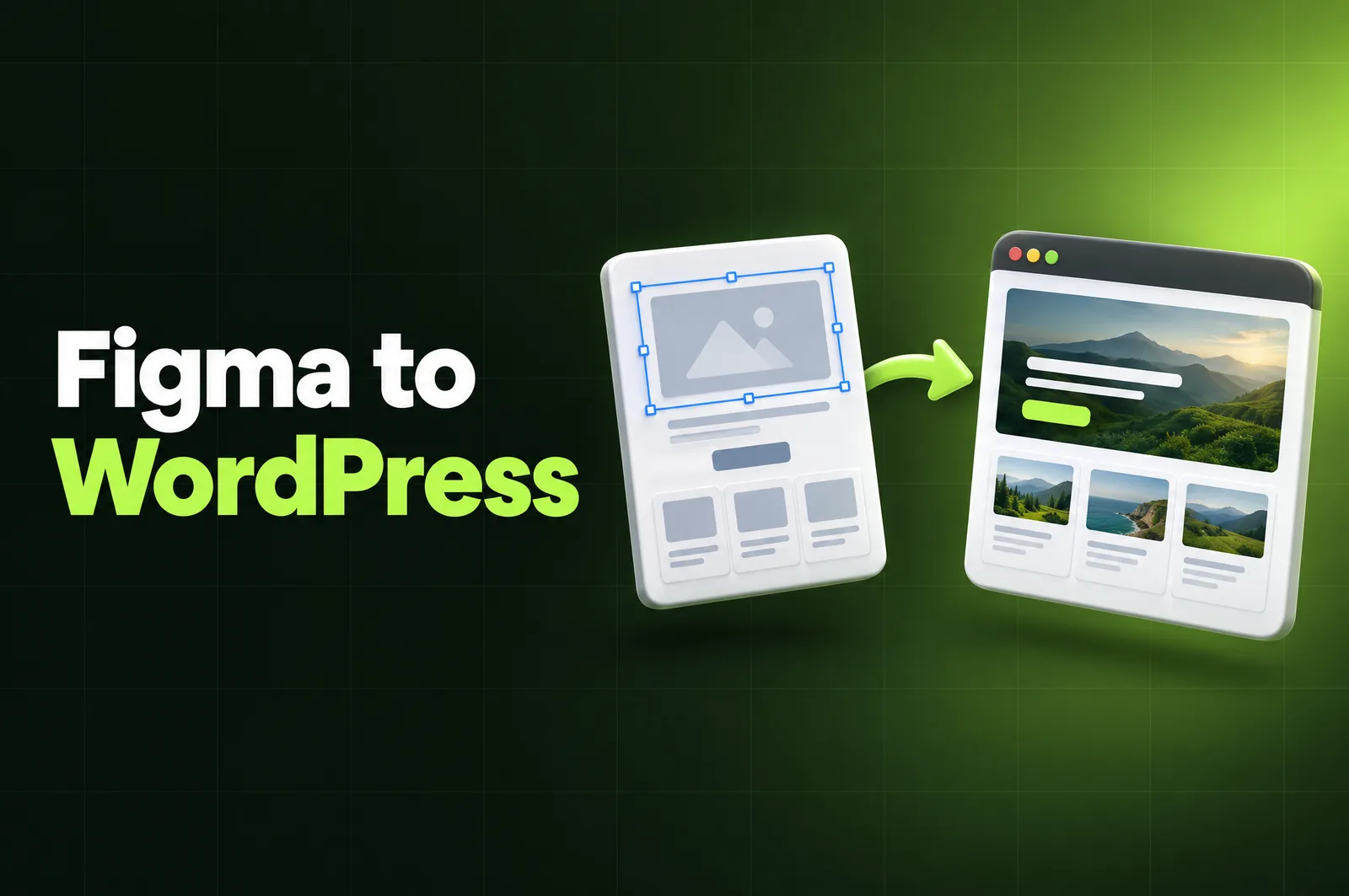
There are 4 ways to move a Figma design to WordPress: rebuild it in a page builder like Elementor or Beaver Builder, use a converter plugin such as UiChemy, code a custom theme, or hire a developer. Converter output always needs cleanup, so a hand build is the norm for production sites; a 5-page site usually takes 2 to 3 weeks. A Figma file with auto layout, mobile frames and variables makes any method faster and cheaper.
There are 4 ways to turn a Figma design into a WordPress site: rebuild it in a page builder, run it through a converter plugin, code a custom theme, or hire a developer to do one of those for you. A 5-page business site built by hand usually takes 2 to 3 weeks, and how clean your Figma file is decides most of the time and cost. This guide compares the methods, explains what converter plugins really output, and shows how to prepare the file so the build goes smoothly.
The 4 ways to move a Figma design to WordPress
No tool turns a .fig file into a finished, editable WordPress site in one click. Every method ends with someone checking layouts at every breakpoint, wiring up forms and menus, and making sure the client can edit the pages later. What changes is how much of the work happens before that point.
| Method | Best for | Who edits it later | Main risk |
|---|---|---|---|
| Page builder, built by hand (Elementor, Beaver Builder, Bricks, Divi) | Business sites where the owner changes layouts and adds pages | The owner, visually | A heavy page if the builder is used carelessly |
| Converter plugin (UiChemy, Figmentor, Yotako) | Prototypes, single landing pages, a fast first draft | Whoever cleans up the output | Layouts that look right but are hard to edit |
| Custom theme (block theme or ACF fields) | Sites with lots of repeated content and a fixed design system | The owner fills fields, a developer changes layouts | Every layout change needs a developer |
| Hire a developer | Anyone who wants the site working, not the process | Depends on the build they choose | Choosing on price alone |
If you have not settled on the platform yet, our Webflow vs WordPress comparison explains where each one fits. For the Webflow route, see Figma to Webflow.
Figma to WordPress plugins: what they actually do
Converter plugins come in two parts: a Figma plugin that reads your frames and a WordPress plugin that receives the result. The three most visible ones work differently:
- UiChemy converts Figma frames into native Elementor, Gutenberg or Bricks elements. Its own documentation says auto layout is "strongly recommended", and designs built with absolute positioning still convert but need more adjustment afterwards. Pricing is based on how much you build. Pro-only Elementor widgets such as forms, menus and sliders still need Elementor Pro.
- Figmentor turns Figma frames into Elementor templates only, mapping text, images, buttons and auto layout frames to widgets, sections and columns. It imports one design at a time and needs a Figmentor account. When we checked in November 2026, its WordPress.org page warned that it had not been tested with the latest 3 major WordPress releases.
- Yotako generates a standard WordPress theme from a Figma file instead of page builder layouts. That is closer to a custom build, but you inherit whatever structure the AI chose.
Converters save time on the first pass. They do not decide how a section should stack on mobile if you never designed it, they do not rebuild hover states or animations from the prototype, and they cannot know which parts the client should be able to edit. Treat the output as a draft that a developer cleans up, not as the finished site.
Page builder or custom theme?
This is the decision that matters most, because it decides how the site is edited for the next five years.
- Choose a page builder if you, or your marketing person, will build new landing pages, move sections around or change layouts without a developer. Elementor has the most widgets, Beaver Builder is the lightest and simplest to edit, and Bricks is popular with developers who care about clean output. Our Elementor vs Divi vs Beaver Builder comparison goes deeper.
- Choose a custom theme if the content repeats in fixed patterns (case studies, team members, listings, locations) and the layouts should stay locked. A block theme stores colors, fonts and spacing in theme.json, so the Figma variables map almost one to one. An ACF build gives editors simple fields instead of a canvas, which is hard to break.
- Mix the two when it helps: a page builder for marketing pages, plus custom post types registered in code for repeated content. This is what we do on most business sites.
Before anyone starts building, mark every repeated block in your Figma file, such as testimonials, team cards or case study tiles. If it appears more than twice, it should become a reusable template or a custom post type, not a section copied by hand onto every page. That one decision saves more editing time later than any plugin.
How to prepare your Figma file for WordPress
A clean file is faster to build, whichever method you choose, and a faster build costs less. Before you send it to a developer or a plugin:
- Use auto layout everywhere. It maps to flexbox in WordPress builders and themes. Absolute positioning is the main reason converted pages break.
- Design mobile frames for at least the homepage and one inner page. If only desktop exists, someone has to guess how every section stacks.
- Set up variables or styles for colors, type sizes and spacing. These become global colors and fonts in the builder, or theme.json values in a block theme.
- Turn repeated elements into components: buttons, cards, headers, footers and form fields.
- Name your layers and pages in plain English. "Services / Hero" is useful, "Frame 482" is not.
- Use real or close to real copy. Lorem ipsum hides headings that wrap to three lines on mobile.
- Include the states that matter: hover, open menu, form errors and the thank you message.
- Check font licenses. Google Fonts are free for the web. Paid fonts need a web license, bought in your name.
- Export images at the right size or leave them in the file at full resolution so the developer can export WebP versions.
Step by step: a typical Figma to WordPress build
- File review. The developer opens the Figma file, lists page types, components and anything missing, such as mobile frames or form states.
- Fixed quote and plan. Builder or theme is agreed, plus which content becomes custom post types.
- Setup. Hosting, a staging site, the theme or builder, and global colors and fonts from your Figma variables. If you still need hosting, see our WordPress hosting guide.
- Templates first. Header, footer, blog post and any custom post type templates are built before the individual pages.
- Pages. Each page is built, then checked at desktop, tablet and mobile widths.
- Functionality. Forms, menus, SEO plugin settings, redirects from old URLs and analytics.
- QA. Real devices and browsers, page speed, broken links and form tests.
- Handover. Logins on your own accounts, plus short tutorials on how to edit each page.
What it costs to have it built
Price depends on the number of unique layouts, repeated content, interactions and how complete the Figma file is. For reference, on our Figma to WordPress service page a one-page site is $825, a 5-page site is $1,845 and a 10-page site with a blog is $2,985, with WooCommerce stores from $2,625 (checked November 25, 2026). Most projects take 2 to 3 weeks. Builder licenses such as Elementor Pro stay in your name, and hosting is paid separately.
| What raises the price | What lowers it |
|---|---|
| Every page is a unique layout | Pages share a few templates |
| No mobile frames | Mobile designed for key pages |
| Many animations from the prototype | Simple hover states only |
| Content copied by hand on many pages | Repeated content set up as post types |
| Absolute positioning and unnamed layers | Auto layout, components and variables |
If you want design and build from one team, our WordPress development page covers full projects, including AI-built sites rebuilt in WordPress. If you prefer to compare freelancers, our guide on how to hire a WordPress designer on Fiverr lists what to ask before you order.
Related guides
We build your Figma design on Elementor, Beaver Builder or a custom theme, check every breakpoint, and record Loom tutorials on your own site. From $825.
FAQ
Can you export a Figma design directly to WordPress?
Not as a finished site. Converter plugins like UiChemy or Figmentor can create a first draft in a page builder, but layouts, mobile behavior, forms and editing still need a developer's pass.
Is there a free Figma to WordPress plugin?
Converter plugins are free to install from WordPress.org, but they need a connected account and full use usually needs a paid plan. The fully free option is to rebuild the design by hand in the block editor or a free page builder.
Should I use Elementor or Gutenberg for a Figma design?
Use Elementor or another page builder if you will change layouts yourself. Use the block editor with a custom theme if layouts should stay fixed and editors only update content.
How long does it take to convert Figma to WordPress?
A one-page site can take a few days, and a 5 to 10 page business site usually takes 2 to 3 weeks including testing. Missing mobile frames or messy layers add time.
WordPress.org: UiChemy plugin; WordPress.org: Figmentor plugin; WordPress.org: Yotako plugin; WordPress Developer Resources: Global Settings and Styles (theme.json); SkyDesigner Figma to WordPress service. Based on our client projects. Prices checked November 2026.

Founder of SkyDesigner. Fiverr Pro Vetted designer, selling on Fiverr since 2014 with 24,500+ reviews.